



Messaging scams have become one of the most common forms of online fraud. A text arrives from an unfamiliar number, claiming to be from your bank, a delivery company, or a recruiter with an urgent offer. Most people know scams exist but, in the moment, it can be genuinely difficult to tell what’s real. WhatsApp is now developing a feature to help with exactly that, and the engineering approach it has chosen is worth understanding, because it solves a problem that most people assume has no clean solution: how do you warn someone about a suspicious message without reading it yourself?
What Is the Scam Alert Feature?
Scam Alert is an upcoming WhatsApp feature that warns users when a message from someone they don’t know appears to be a scam. When active, WhatsApp reviews incoming messages from unknown senders and shows a warning directly inside the chat.
If the system detects distinct red flags within a message, a visible warning banner stating ‘This may be a scam’ will appear at the top of the chat interface. The feature is not designed to take action on your behalf. Users will be able to decide whether to block and report the contact or trust the chat and continue the conversation. Scam Alert doesn’t prevent users from interacting with unknown contacts instead, it gives users an additional layer of information to help them make safer decisions.
Details about the feature were first reported by WA Beta Info, the platform that tracks WhatsApp beta development. The feature is currently in development and has not yet been released to beta testers.
The Privacy Question and the Answer
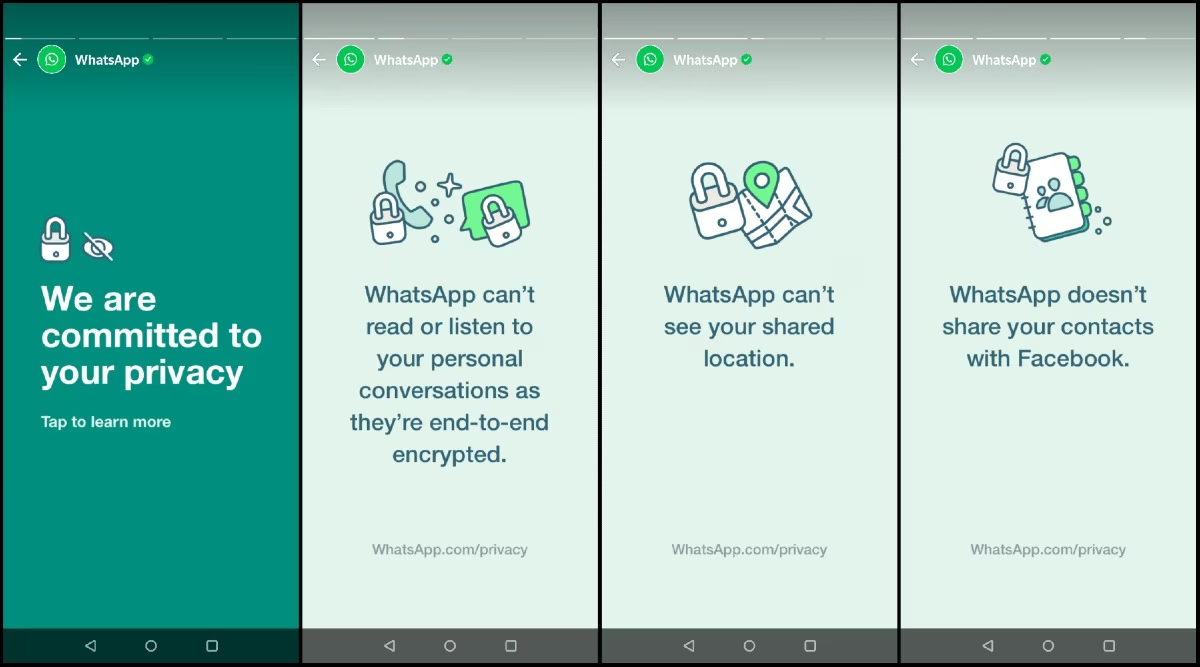
The obvious concern with any message-scanning feature is privacy. WhatsApp is built on end-to-end encryption, which means messages are scrambled in transit and can only be read by the sender and recipient. Any server-side scanning would break that promise entirely.
Scam Alert is engineered around this constraint from the ground up. The system works entirely on the user’s device, meaning WhatsApp does not need to read messages or send them to external servers to detect possible scams. Chats continue to be protected by end-to-end encryption, and WhatsApp will not be able to read users’ messages while checking for potential scams.
According to reports from WA Beta Info, the feature leverages Meta’s Private Processing architecture, which guarantees that local data remains secure and is never shared with third-party vendors.
In practical terms, all the detection logic runs locally on your phone using pattern recognition to identify characteristics commonly associated with fraudulent messages, such as urgency language, suspicious links, impersonation tactics, and requests for personal information. The message never leaves your device for analysis.
What Happens When a Scam Is Detected
When Scam Alert detects a suspicious message, WhatsApp displays a warning inside the chat that reads ‘This may be a scam,’ and also shows that the suspicious message is from an unknown contact. Below the warning, users will find two options: block and report the contact or trust the chat. No automated decisions are made. No conversations are silently blocked. The call is entirely yours.
The feature is also expected to work quietly in the background, and other users will not know whether Scam Alert is enabled on a device. The sender has no way of knowing their message was flagged.
The Transparency Component
WhatsApp is also building a local transparency tool alongside Scam Alert, addressing a concern that often follows any kind of automated detection system: how do you know what it’s doing?
WhatsApp is reportedly developing a transparency feature that will allow users to see when Scam Alert was triggered. The logs will be generated and stored locally on the device rather than being shared with WhatsApp. Users will be able to check whether suspicious messages were detected during a selected period and review Scam Alert activity from within the app settings. If no suspicious activity is detected, the report will indicate that no scam alerts were triggered.
This means you can audit the feature’s activity yourself, at any time, without WhatsApp having any access to those records.
How to Turn It On When It Arrives
Scam Alert will be an optional feature and will remain disabled by default. Users who want the added protection will need to enable it manually through WhatsApp’s settings. This is a deliberate design choice Meta is not switching on message analysis without user consent.
The feature could help in cases where scammers use messages related to jobs, deliveries, investments, or account verification requests to trick users into sharing information or clicking links. These are among the most common scam typologies circulating on WhatsApp globally, particularly in markets where mobile messaging is the primary channel for both personal and financial communication.
Why This Matters
The way Scam Alert is architected matters beyond WhatsApp itself. It demonstrates that safety and privacy are not automatically in conflict that it is technically possible to add meaningful fraud protection to an encrypted messaging platform without surveillance. On-device machine learning, local log storage, and user-controlled settings combine to deliver a feature that serves users without compromising the encryption that makes WhatsApp trustworthy in the first place.
The feature is currently in advanced development for Android. No release date has been confirmed, but based on WA Beta Info’s reporting, it is expected to arrive in a future WhatsApp update.




Leave a Reply
You must be logged in to post a comment.