




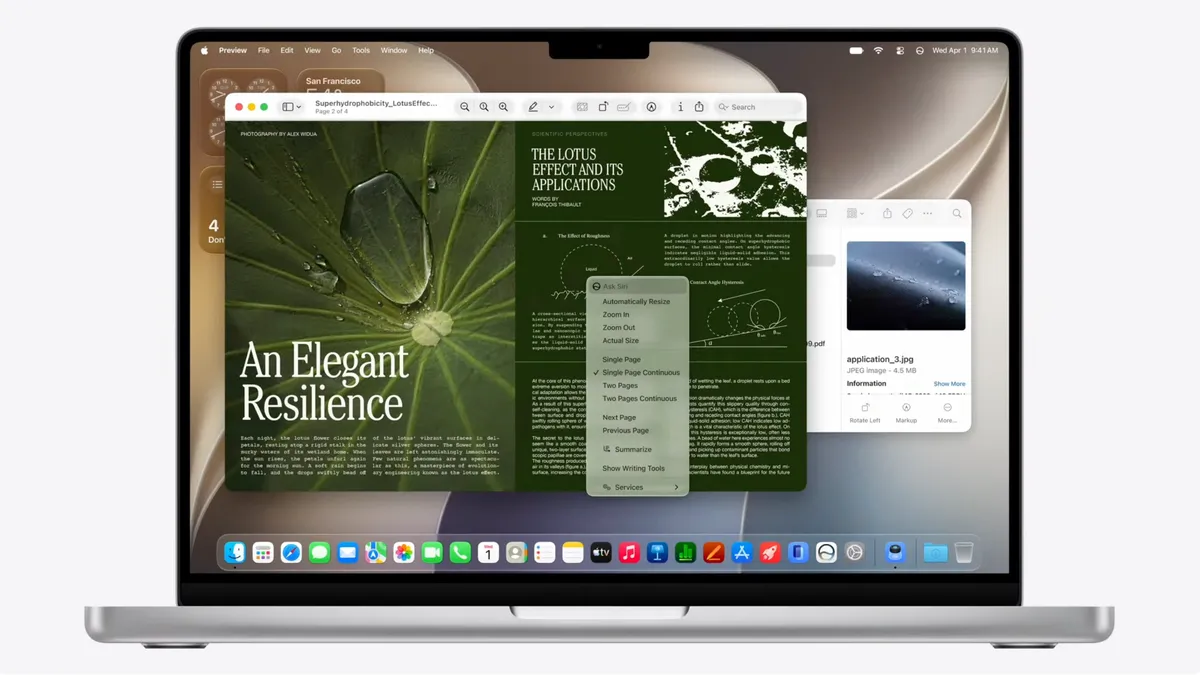
Apple’s macOS 27 Golden Gate is here in developer beta, and the headline story isn’t a flashy new feature it’s a course correction. The macOS 27 Liquid Glass design overhaul is being pulled back from the divisive extremes that frustrated users since last year’s macOS 26 launch, and early impressions suggest the Mac is looking considerably better for it.
What Apple Is Changing With Liquid Glass
When Apple introduced its Liquid Glass design language with macOS 26 (Tahoe), the reaction was mixed at best. The sweeping transparency effects that gave the interface its name looked striking in marketing materials but proved genuinely problematic in daily use particularly around readability, where text rendered against semi-transparent backgrounds became difficult to parse in real-world lighting conditions. Window border radius inconsistencies between apps also drew sustained criticism.
macOS 27 Golden Gate directly addresses that feedback. Apple has walked back several aspects of the Liquid Glass design language to better match user expectations. Window border radii are now consistent across apps, reverting a controversial change introduced in macOS Tahoe. Even the mouse cursor has been redesigned now resembling the pre-Tahoe glove style but with a more rounded, refined appearance.
The most significant addition is a new opacity control. A system-wide slider lets users customise how Liquid Glass looks across the entire interface, ranging from ultra-clear to fully tinted. The interface will also diffuse shadows to improve text legibility one of the most complained-about issues since the design was first introduced.
Structural changes round out the visual updates: a unified toolbar now anchors icons at the top of the screen rather than leaving them floating in space, and sidebars now expand to the full edge of their windows. The overall effect is a more grounded, coherent interface that retains the visual personality of Liquid Glass without the readability compromises.
What Else Is Coming in macOS 27 Golden Gate
The design refinements aren’t the only story. macOS 27 Golden Gate brings Siri AI, the new cross-platform update to Apple’s voice assistant that promises a meaningful step forward in capability. Rather than the old “Type to Siri” feature, users can now enter prompts directly into Spotlight, which recognises AI requests and routes them to the Siri AI chatbot. The system can access a user’s own data while preserving privacy, and also draws on broader “World Knowledge” for general queries.
Performance is another focus area. Faster AirDrop transfer speeds, snappier local network file browsing, and improved syncing for Messages are among the under-the-hood improvements Apple is shipping alongside the visual changes.
On the hardware side, macOS 27 drops support for any remaining Intel-based Mac architectures entirely, making it compatible only with Apple Silicon machines. If you’re still running an Intel Mac, this release marks the end of the upgrade road.
Apple has also confirmed support for 5K/120Hz ultrawide displays. For creative professionals using high-refresh external monitors, that’s a welcome addition.
The developer beta is available now through the Apple Developer Program. A public beta is expected next month, with the full release rolling out as a free update this autumn.
Should You Install the Beta?
The short answer: probably not yet. The current developer beta will drain MacBook batteries faster than the final release, and bugs and app incompatibilities are to be expected. Unless you’re a developer who needs to test your apps against the new build, there’s no compelling reason to risk installing beta software on a machine you depend on daily.
For everyone else, the full public release in September is worth the wait particularly given the scope of what Apple is fixing. The macOS 27 Golden Gate Wikipedia page is already tracking changes as the beta develops.







Leave a Reply
You must be logged in to post a comment.